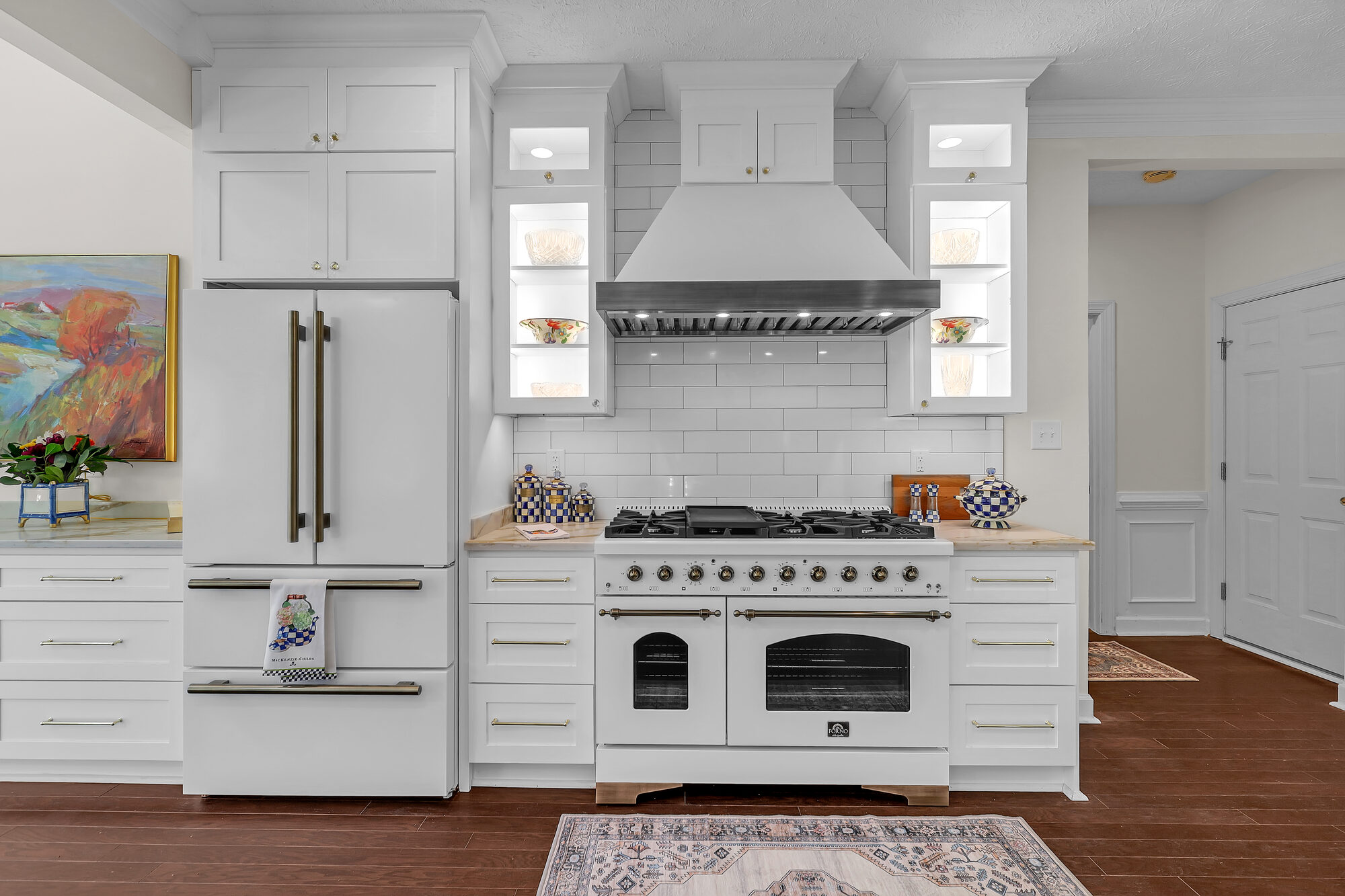
How to request revisions.
One round included. Reply with file names + what you want adjusted.
HeyGen avatar video coming soon — we'll embed the script-driven walkthrough here once recorded.
Photo revisions
Color and exposure adjustments are free, no limit. If something feels too warm, too cool, too bright, too dark — flag it. We'll re-edit and re-upload.
Larger edits (object removal, sky swaps, virtual staging adds) are billable per file. We'll quote before doing the work.
Video revisions
One round of editorial revisions included on every video package. Send timestamps and what to change — "0:14, swap this clip with the kitchen" works. We turn it in 48–72 hours.
Additional rounds beyond the first are billed hourly. We'll quote before starting.
How to send revisions
Email: reply to your Media Ready email so the thread stays organized. Attach annotated screenshots if helpful.
Text: (757) 724-9106 if it's quick or you're on the go.
What we can't fix in post
We don't move walls, change architecture, or fundamentally re-shoot a property in editing. If something requires a re-shoot — missed angle, weather changed the look, listing prep wasn't ready — we'll quote a re-shoot separately.
Turnaround
Photo: 24 hours.
Video: 48–72 hours depending on scope.
You'll get an email or text the moment files are re-uploaded.
Don't see what you're looking for?
Reply to any email from us, text the line, or shoot a quick message. We answer everything fast — usually inside an hour during the day.